




Passkeys vs Passwords: What Australian Users Should Know
- October 28, 2026
- by
- thetradieguide@gmail.com
Digital security / Everyday technology
The safest login is one you can’t accidentally hand to a scammer.
Passkeys are generally safer than passwords for everyday sign-ins, particularly against fake login pages. They let you use your device’s screen lock instead of typing a reusable secret. But making the switch still requires one sensible precaution: knowing how you’ll regain access if your phone, laptop or passkey provider becomes unavailable.
For Australian users, the most practical choice is not to abandon every password overnight. Use passkeys on accounts that offer them, keep strong unique passwords and multi-factor authentication elsewhere, and check recovery settings before relying on a single device. That is consistent with the Australian Cyber Security Centre’s current personal cyber security guidance.
Passkeys vs passwords: the differences that matter
Passwords rely on a shared secret: you know it, and the service must hold information that lets it verify what you enter. Strong passwords can work well, especially when each account has its own password and multi-factor authentication (MFA). The problem is that a convincing fake sign-in page can still persuade someone to type a real password.
Passkeys change the mechanism. Rather than sending a reusable secret, the device proves it holds a private cryptographic key. The website checks that proof using a corresponding public key. A legitimate passkey is tied to the website or app it was created for, which makes lookalike login pages much less effective.
| Question | Password | Passkey |
|---|---|---|
| What do you enter? | A secret phrase or string; often followed by an MFA code. | Usually a fingerprint, face check or device PIN to authorise a sign-in. |
| Can a fake site steal it? | A typed password can be captured and reused. | The credential is bound to the real service, providing strong phishing resistance. |
| What if the service is breached? | Stolen password data may enable attacks, depending on how it was stored. | The service holds the public key, not your private sign-in key. |
| What if you lose your device? | You may need your password manager, MFA method or account recovery. | Synced passkeys may reappear on another trusted device; otherwise recovery or a spare credential may be needed. |
| Do all websites support it? | Passwords remain widely supported. | No. Availability and fallback options depend on each service. |
A passkey is not a promise that an entire account is immune to fraud. The account’s other sign-in methods and recovery process still matter.
What actually happens when you use a passkey?
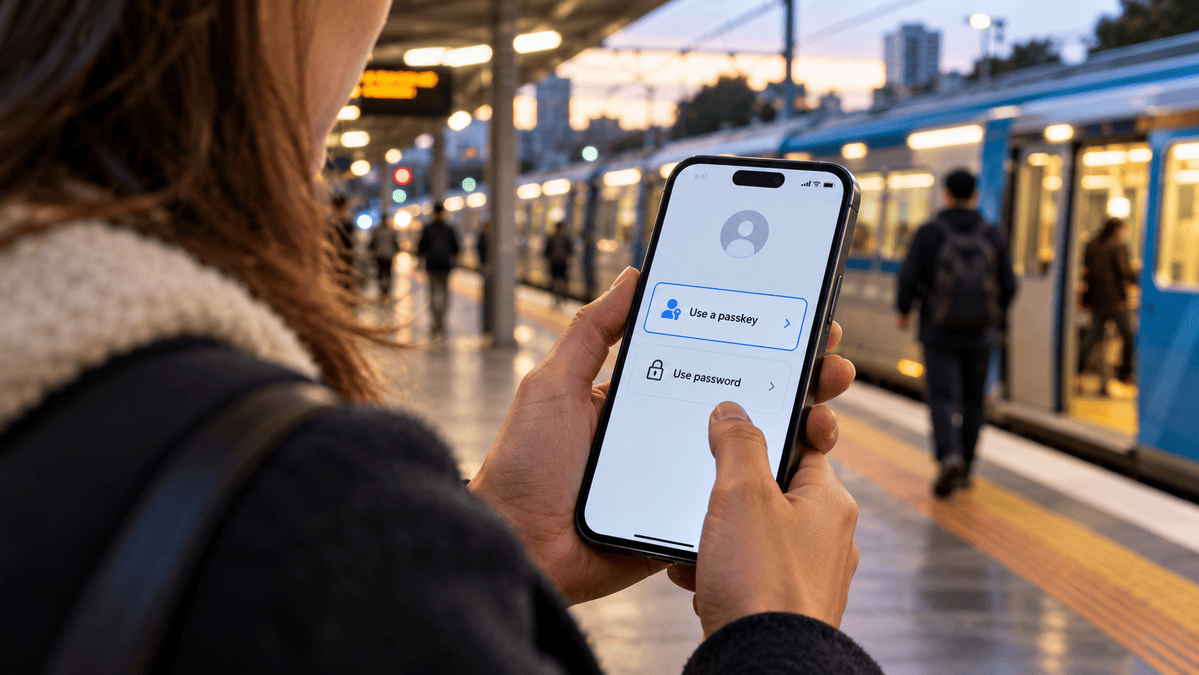
The word “key” makes this sound technical, but the experience is usually familiar: you select your account, your phone or computer asks you to unlock it, and you are signed in. The private credential stays under the control of your device or passkey provider. Your face or fingerprint is used locally to authorise its use; that biometric information is not sent to the website.

Behind that one tap
- Set-up: The service registers a public key associated with your account, while a private key is created and protected by your device or passkey manager.
- Sign-in request: The genuine website sends a one-time challenge.
- Your approval: You unlock the device using its supported method, such as a fingerprint, face scan or PIN.
- Verification: Your device signs the challenge; the website verifies the result without receiving your private key.
This is why passkeys resist ordinary password phishing. As the FIDO Alliance explains, a passkey is associated with a specific service, so a fake website cannot simply ask your device to supply the same credential for its different domain.
A realistic example
The suspicious “account locked” message
Imagine receiving an email claiming your shopping account is locked. It links to a polished imitation sign-in page. With password-based login, entering your password could give the scammer a reusable secret. With a passkey for the genuine retailer, the fake domain cannot authenticate with that retailer’s passkey.
That protection does not make the message safe. The page could still ask for payment details, persuade you to download software or steer you into an insecure account recovery process. Never treat a passkey prompt as a reason to ignore suspicious links.
Why the safer option still needs a recovery plan
Passkeys solve a major weakness of passwords, but they also shift what you depend on. Instead of remembering an account secret, you depend on a device, a credential manager or both. For many people that is easier; for some accounts it introduces a few decisions worth making before changing the sign-in method.
Synced passkeys and device-bound passkeys are different
A synced passkey can be made available on other devices through a compatible credential provider. This can make replacing a broken phone relatively straightforward, provided you can safely regain access to that provider. A device-bound passkey stays with a particular phone, computer or hardware security key. It can be appropriate when a service or organisation needs that boundary, but losing the device may mean using another registered credential or the service’s recovery process.
Passkeys and password managers are not necessarily competing choices. Some credential managers hold and synchronise passkeys as well as traditional passwords. Others use a different ecosystem. If you move between an iPhone, a Windows PC and an Android tablet, check how your chosen provider works across those devices rather than assuming every passkey automatically appears everywhere.
A stolen phone is not the same as a stolen account — but device security counts
Someone who steals a locked phone generally cannot use its passkeys without being able to unlock it. Nevertheless, a person who knows or can defeat the phone’s screen lock may be able to use credentials on that device. Use a strong device PIN, keep the operating system updated, and avoid registering personal passkeys on shared or borrowed devices.
A fallback password may still exist
Adding a passkey does not always remove the previous password or other recovery methods. Google, for example, says a passkey added to a Google Account does not automatically remove the account’s existing authentication or recovery options. That is useful for access but means you should keep any remaining password secure, with MFA where available. Review each service’s security page rather than assuming “passkey enabled” means “password disabled”.
The useful question is not only “Which login is stronger?” It is also “If I replace my phone tomorrow, can I still get into this account without relying on a suspicious message or an unprotected email inbox?”
A practical way to start using passkeys
Start with one important, supported account rather than changing every sign-in method at once. Your main email account is a sensible candidate because it often plays a role in recovering other accounts. Check the service’s current support and recovery options before enrolling.
- Open the service directly. Use its usual app or type its known address. Avoid creating a passkey from a link in an unexpected email or text.
- Check your device lock. Enable a secure PIN, fingerprint or face unlock, and apply operating-system updates. Keep the device’s own account protected.
- Find the sign-in settings. Look for “Passkeys”, “Security” or “Sign-in options”. Follow the service’s prompts and note which device or manager will store the new credential.
- Test the sign-in — then test a fallback. Sign out and try the new method. Confirm there is a reliable way in if the usual device is unavailable, such as another enrolled device, a separate security key or the service’s documented recovery route.
- Review the old methods. Where a password remains active, keep it long and unique and use MFA. Remove unrecognised devices and credentials from account settings.
Do you need to buy a security key?
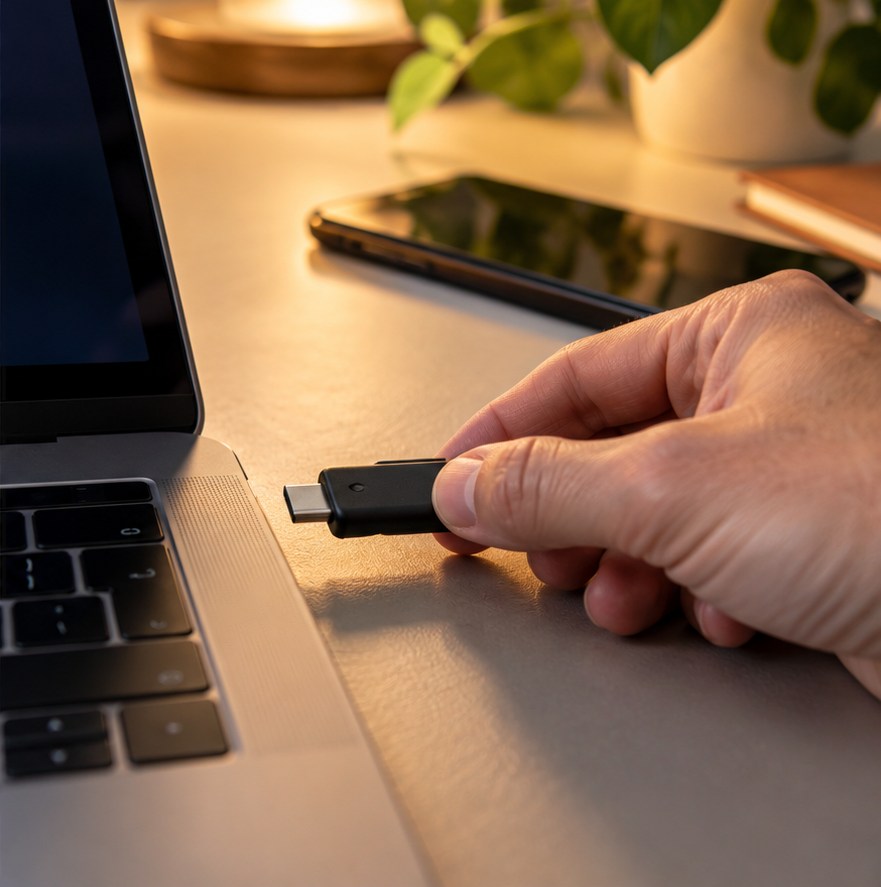
No. A supported phone or computer can create and use passkeys. A physical security key is an additional option for people who want a separate device-bound credential or an independent way to sign in.
Some services also let you use a passkey stored on your phone to sign in on a nearby computer, often with a QR-code process. Follow the on-screen instructions from the real service; proximity checks and device requirements can vary.
The important choice is the recovery arrangement, not buying a particular accessory. If you rely on one hardware key, register a second approved method before the first goes missing.
Which accounts should Australians prioritise?
Start with the accounts that would create the biggest problems if someone took them over: your main email address, password or passkey manager, cloud storage and any financial or government account that actually supports passkeys. Availability differs by provider, so check the official sign-in settings rather than assuming every Australian bank or government service offers them.
The Australian Cyber Security Centre’s October 2026 personal handbook recommends using passkeys where possible, maintaining strong unique passwords elsewhere and securing devices with software updates. It also reminds people that scam awareness still matters. Authentication is one part of account security, not a replacement for judgment.
Questions worth settling before you switch
Is a passkey the same as my fingerprint or face scan?
No. Your fingerprint, face scan or screen PIN is normally used to authorise access to a cryptographic credential. Your biometric template stays within the local device authentication system rather than being sent to the website as the passkey. You can often use a PIN instead of biometrics.
Can I use a passkey on both my phone and laptop?
Often, yes. Synced passkeys can appear on compatible devices connected to the same credential provider. You may also be able to approve a laptop sign-in using a nearby phone. Device-bound credentials do not automatically sync, and available methods vary across operating systems, browsers and services.
Are passkeys better than a password plus a text-message code?
For protection against ordinary phishing, passkeys generally have an important advantage: they are bound to the genuine service rather than relying on a secret and a code that can be entered into a fake page. That does not eliminate other routes of fraud, including compromised recovery methods and malicious software.
What happens if I lose the phone holding my passkey?
First, secure the lost device and the associated account. If your passkeys sync through a provider, you may regain access on another trusted device after restoring your provider account. With a device-bound passkey, use a separately registered method or the service’s recovery flow. Where available, remove the lost device’s credential from the service’s security settings. The correct process is provider-specific.
Should I delete all my passwords after creating a passkey?
No. First check whether the service still accepts passwords and how account recovery works. For services that do not offer passkeys, keep unique strong passwords in a reputable password manager and turn on MFA. Removing or disabling an option without a tested recovery method can lock you out without improving the account’s remaining security.